
Gaussian splatting is an interesting way to give new live to old photos. Combined with a VR/XR headset you can view photos from new angles. And I mean new angles with a 3D mesh filling the general shape of the subject.
ML-Sharp is a GitHub repo that will convert your 2D images into a 3D ply file. I have found that the higher the resolution of the image the better the results. Though I haven’t had much success with using my panorama shots or spatial images taken on an iPhone.
https://github.com/apple/ml-sharp

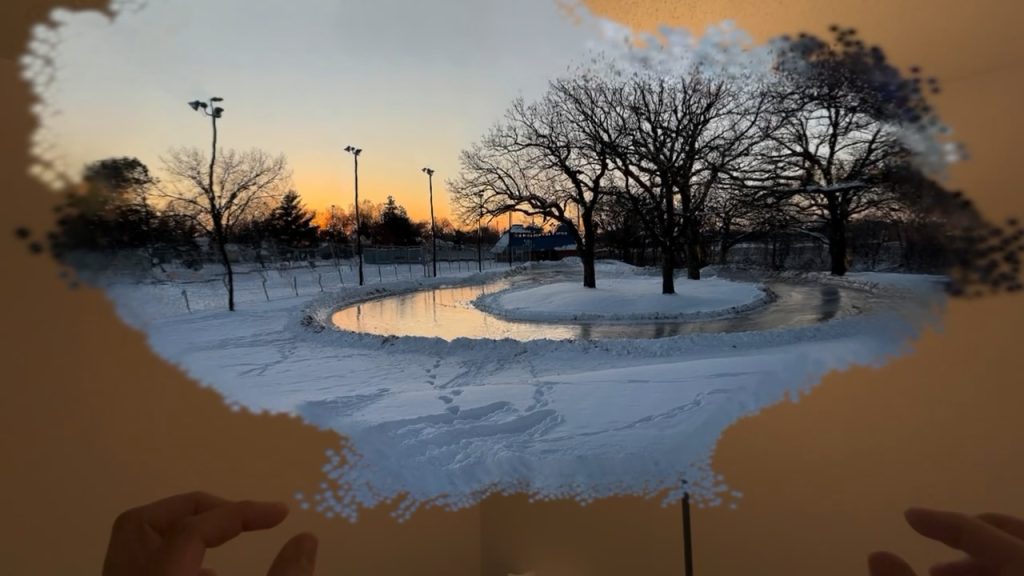
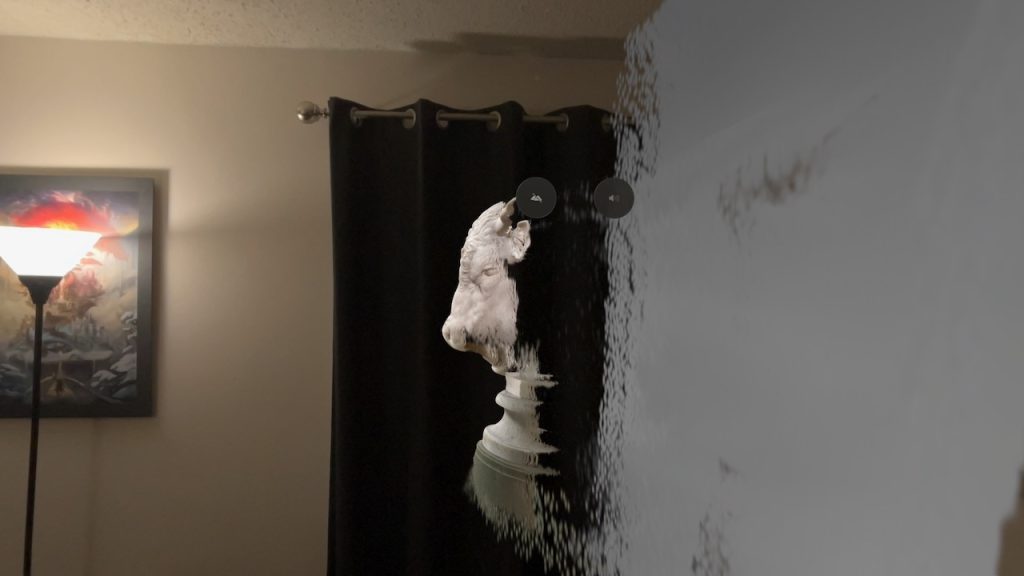
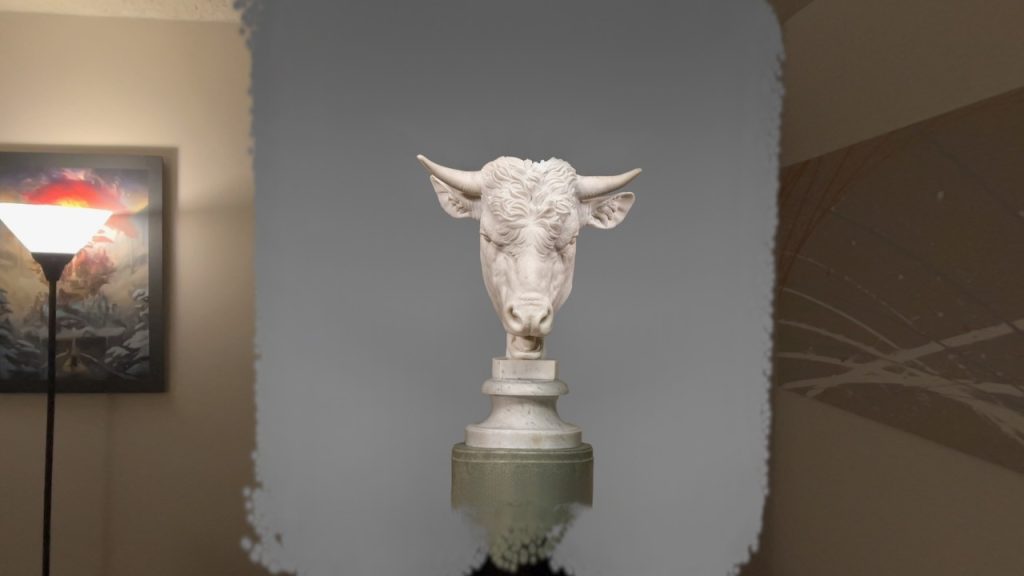
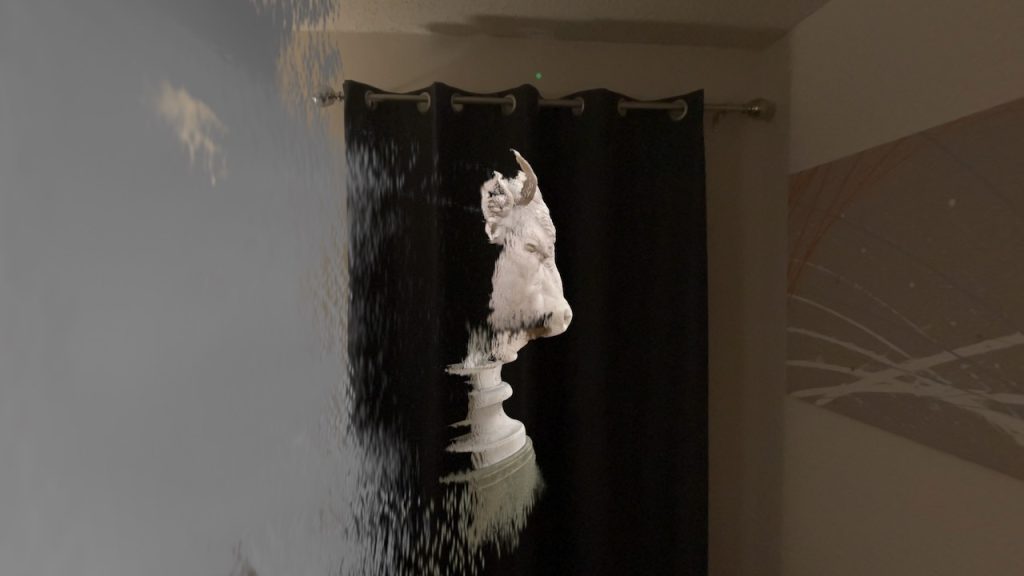
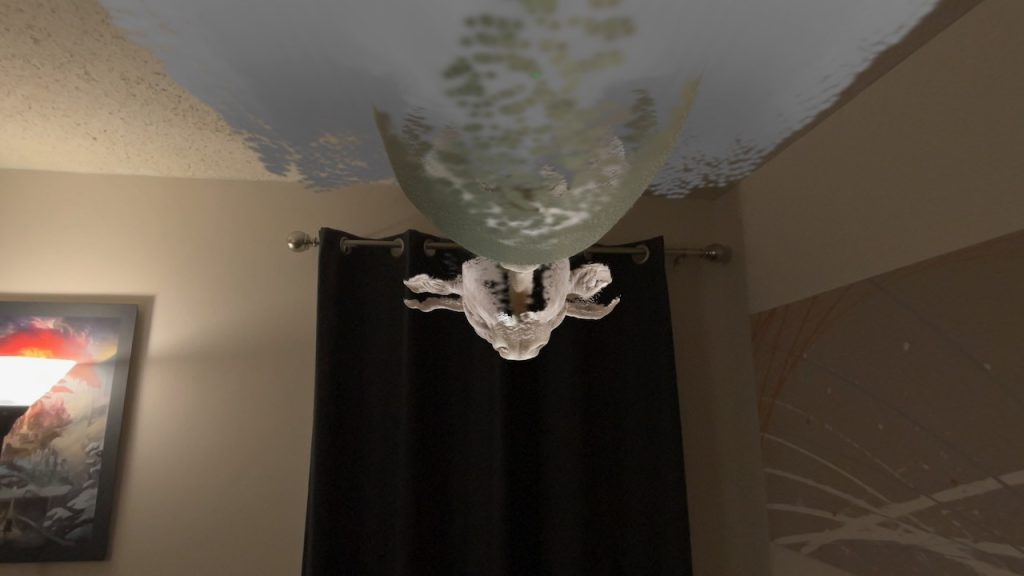
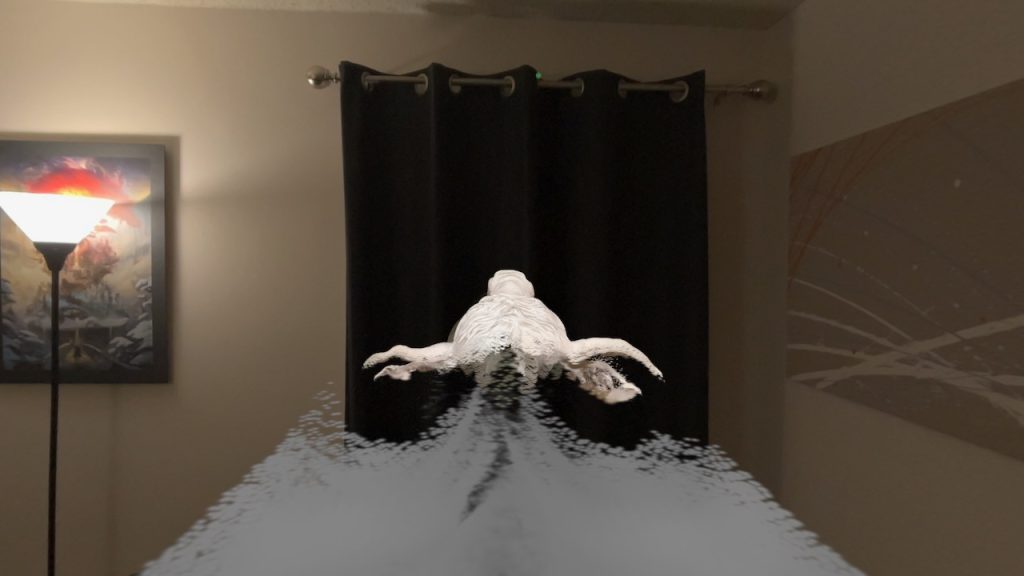
After playing around with a photo from my local park Augsburg (original photo above, splat shown below). I moved into museum quality content. Found a couple of images from the National Gallery of Art. Taking a couple of images from there and processing them through ML-Sharp created some visually pleasing images. Once they are aligned properly you can move around the once 2D like it is a piece in a museum.
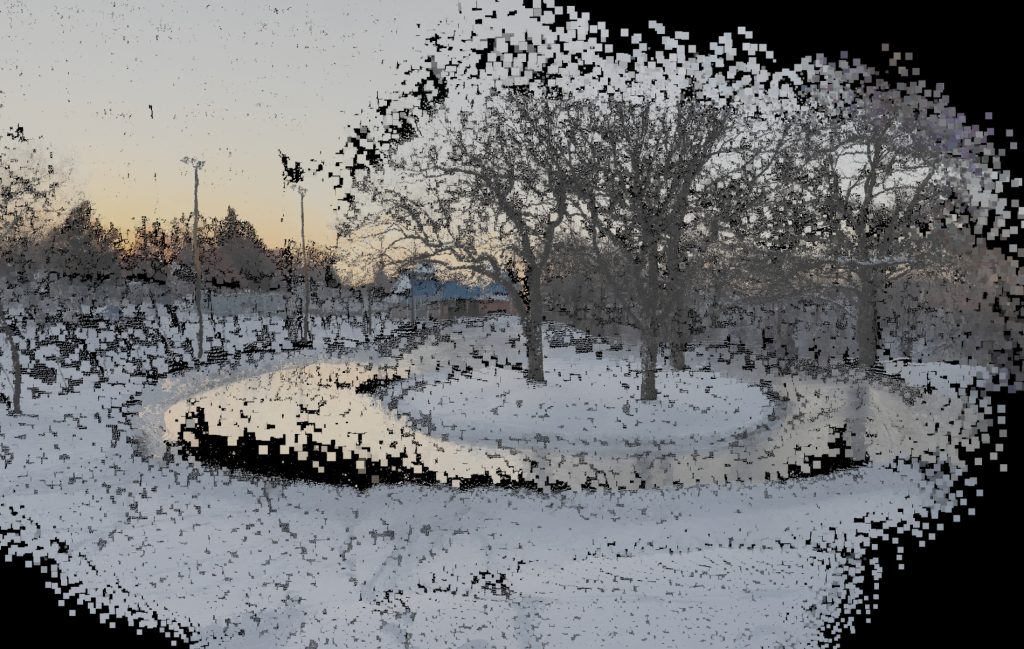
The Ply files can be rendered in an expected position so it takes a little effort to rotate them into position using an app like MetalSplatter. This is an artifact from the original processing. It’s easier to save the changes in MetalSplatter than to try and fix them in Xcode. Whenever I have opened the ply files in Xcode, I notice a failure to load valid files until the Mac is restarted.
Sources
scier. MetalSplatter. GitHub. Accessed December 26, 2025. https://github.com/scier/MetalSplatter.
National Gallery of Art. National Gallery of Art. Accessed December 26, 2025. https://www.nga.gov.
apple. ml-sharp. GitHub. Accessed December 26, 2025. https://github.com/apple/ml-sharp.